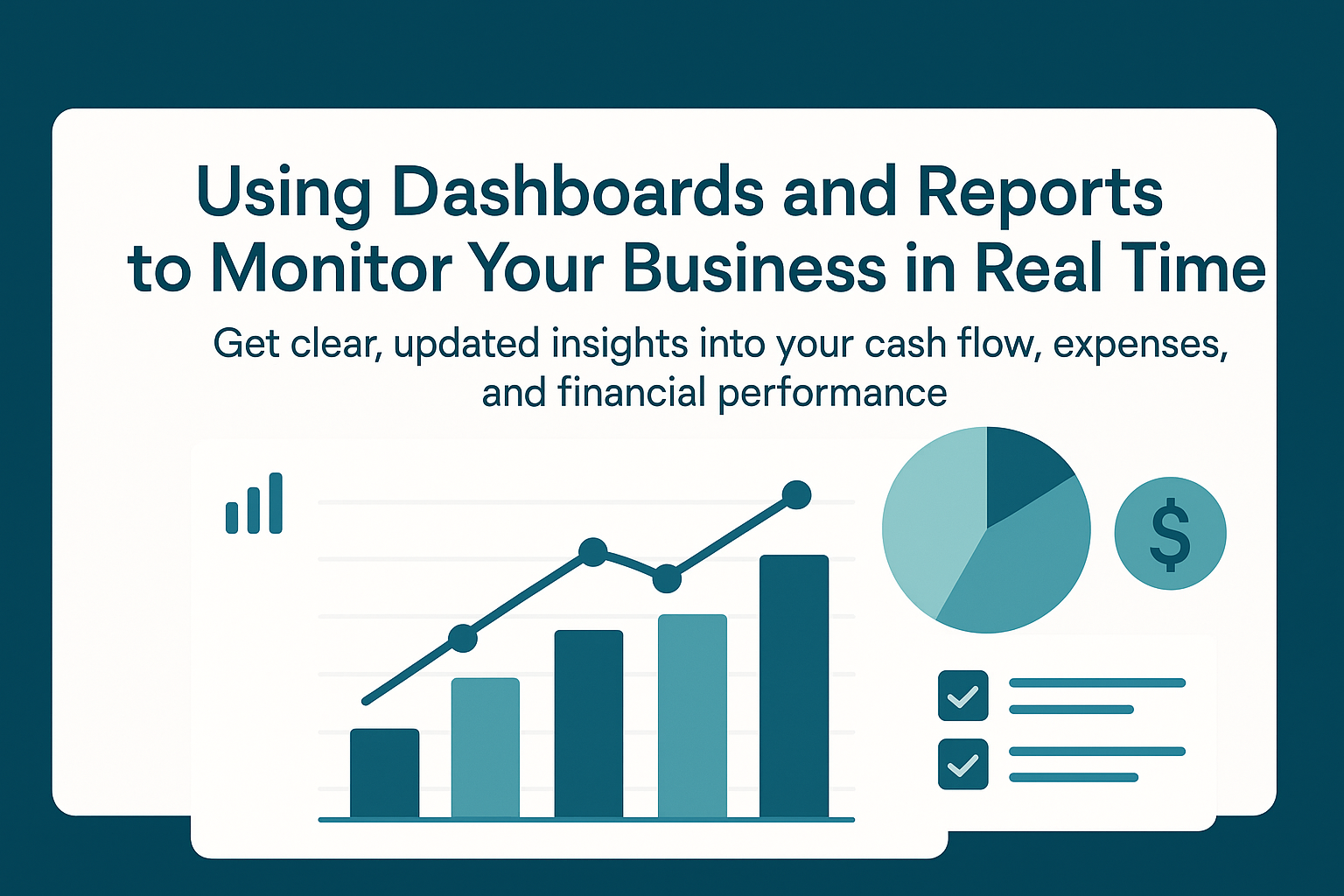
Running a business is easier when you can clearly see what’s happening with your money. Real-time dashboards and financial reports give you an instant view of your cash flow, expenses, income, and overall financial health. Instead of waiting for end-of-month summaries, you can check your numbers anytime and make decisions with confidence.
Today’s bookkeeping systems, like QuickBooks Online, Xero, and Zoho Books, make it simple to set up dashboards and reports that update automatically. This helps you stay organized, avoid mistakes, and improve your financial strategy.
What Is a Real-Time Dashboard?
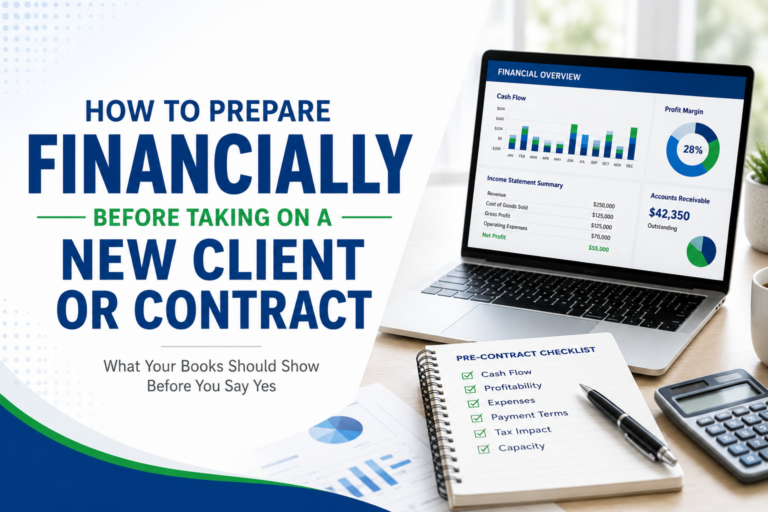
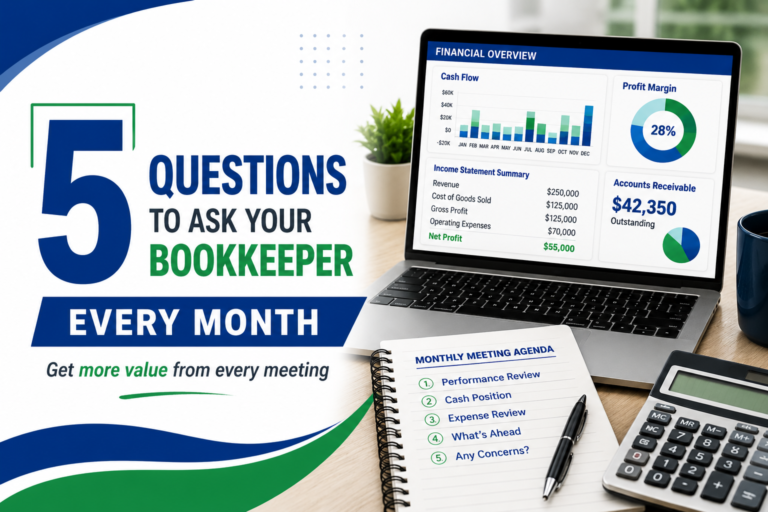
A real-time dashboard is a digital screen that shows your most important financial data in one place. It pulls information directly from your bookkeeping system and updates it as new transactions come in.
Dashboards usually include:
- Current bank balances
- Money coming in and out
- Accounts payable and receivable
- Top expenses
- Net profit
- Sales trends
- Tax reminders
Because the data updates in real time, you always know where your business stands, even if you’re busy.
Why Real-Time Monitoring Matters
1. Faster Decision-Making
When you see your numbers instantly, you can make smarter choices. For example:
- If your expenses suddenly rise, you can act before it becomes a problem.
- If sales drop, you can adjust your strategy early.
This helps you stay in control instead of reacting too late.
2. Improved Cash Flow Management
Cash flow is one of the biggest reasons businesses struggle.
Dashboards and reports let you see:
- How much cash you have right now
- What payments are overdue
- What bills are coming up
This makes it easier to plan, budget, and avoid cash shortages.
3. Clearer Understanding of Profit
Real-time reports show your true profit after expenses. You’ll know:
- Which services or products are earning the most
- Where you’re overspending
- How your profit changes month to month
This helps you focus on the areas that bring the most value.
4. Better Team and Management Communication
Dashboards help your team stay on the same page.
Business owners, managers, and bookkeepers can quickly review:
- Updated numbers
- Monthly progress
- Key performance indicators (KPIs)
No more waiting for spreadsheets to be emailed back and forth.
Key Reports Every Business Should Use
Real-time dashboards work best when paired with accurate financial reports. Here are the essentials:
1. Profit and Loss Statement (P&L)
Shows your revenue, expenses, and net income.
This helps you track profitability over time.
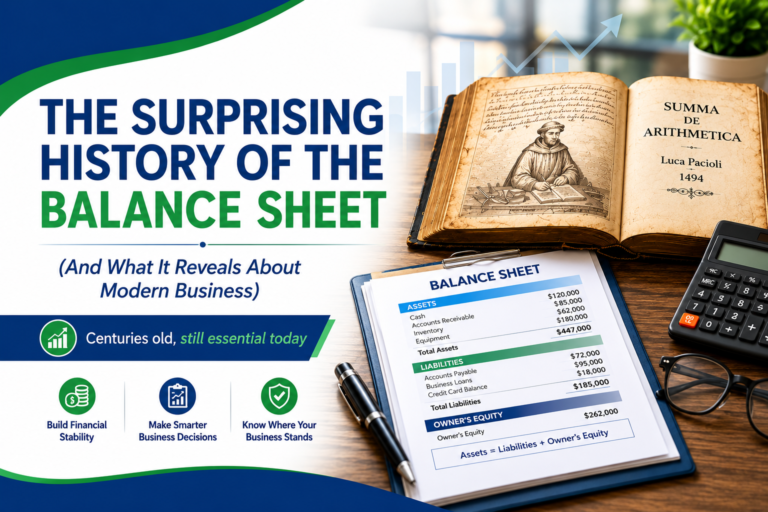
2. Balance Sheet
Shows your assets, liabilities, and equity.
This gives you a clear picture of your financial strength.
3. Cash Flow Statement
Shows how money moves in and out of your business.
It highlights if you’re bringing in enough cash to support operations.
4. Accounts Receivable Aging Report
Shows unpaid invoices and overdue payments.
This helps you follow up with clients quickly.
5. Accounts Payable Aging Report
Shows what bills you owe and when they are due.
This prevents late fees and keeps your vendors happy.
6. Sales and Expense Trend Reports
Helps you see patterns in spending and income.
This supports better budgeting and forecasting.
How Dashboards Help You Avoid Common Mistakes
Business owners often face issues like:
- Missing tax deadlines
- Overspending without noticing
- Forgetting overdue invoices
- Confusing business cash with personal cash
Dashboards help prevent these by:
- Showing alerts
- Highlighting trends
- Providing organized, up-to-date information
- Centralizing your financial data
This reduces stress and saves time.
Tools That Offer Great Dashboards
Here are reliable tools commonly used by businesses:
QuickBooks Online
- Real-time bank feeds
- Cash flow planner
- Customizable dashboards
- Helpful graphs and analytics
Xero
- Clean dashboard layout
- Strong reporting tools
- Easy integration with apps
Zoho Books
- Budgeting tools
- Custom reports
- Real-time dashboard updates
All three platforms support automation, which reduces manual work and helps keep your records accurate.
Tips to Get the Most Out of Dashboards and Reports
- Review your dashboard weekly to check cash flow and spending
- Customize your KPIs so you focus on what matters to your business
- Set up alerts for overdue invoices and upcoming bills
- Use automation to reduce errors
- Work with a bookkeeper to review reports and understand the insights
Final Thoughts
Real-time dashboards and financial reports give you the clarity you need to run your business confidently. With up-to-date information at your fingertips, you can track your performance, plan better, avoid cash flow issues, and make smarter decisions.
How Accredited Bookkeeping Can Support Your Business
At Accredited Bookkeeping, we understand the challenges small businesses face when it comes to managing finances. We’re here to help you streamline your bookkeeping processes, avoid unnecessary financial errors, and gain greater clarity about your financial health. Our services are designed to fit the specific needs of your business, giving you peace of mind while you focus on growth.
Contact us today for a free consultation and discover how we can make bookkeeping easier for you.
marianne@accreditedbookkeeping.com
Marianne Kirwan
352-626-0116
Schedule a meeting