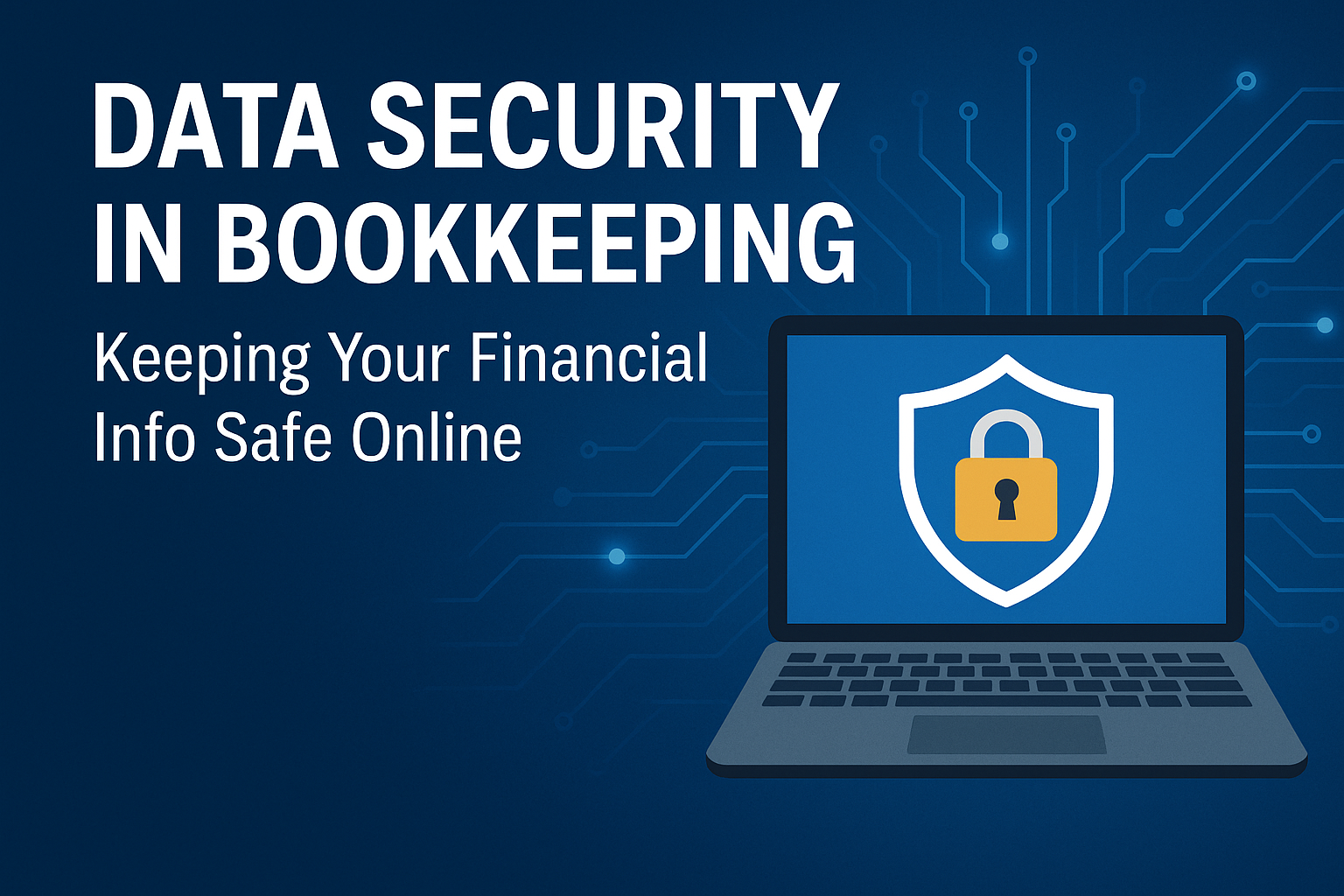
In today’s digital world, bookkeeping is no longer just paper files and office drawers. Most businesses now store financial information online, making bookkeeping faster and more accurate. But with this convenience comes a major responsibility: protecting your financial data from online threats.
Cybersecurity is not just an IT issue. It’s a bookkeeping issue too. Whether you run a small business or manage multiple accounts, keeping your financial information safe must be a top priority. When your data is protected, your business is protected.
In this blog, we’ll break down why data security matters in bookkeeping and the steps you can take to keep your financial information safe online.
Why Data Security Matters in Bookkeeping
Financial records contain sensitive information that cybercriminals look for, including:
- Bank account numbers
- Credit/debit card information
- Payroll data
- Tax documents
- Vendor and customer details
According to the FBI Internet Crime Report, financial data breaches continue to rise each year, and small businesses are often the easiest targets because they typically have fewer security systems in place.
A single breach can lead to:
- Financial loss
- Identity theft
- Fraudulent transactions
- Damaged reputation
- Lost customer trust
This is why strong data security in bookkeeping is essential.
Common Online Threats to Watch Out For
1. Phishing Emails
These are fake emails that appear real and ask you to click a link or share information. The goal is to steal login details or install malware.
2. Weak Passwords
Short or repeated passwords make it easy for attackers to break into your accounts.
3. Unsecured Wi-Fi
Public networks are risky for accessing bookkeeping systems because hackers can intercept data.
4. Malware and Ransomware
Malicious software that steals or locks your data until a payment is made.
5. Human Error
Accidental sharing, losing devices, or sending files to the wrong person can also cause data exposure.
How to Keep Your Financial Data Safe Online
Here are simple but powerful steps every business should take.
1. Use Strong Passwords and Multi-Factor Authentication (MFA)
A strong password includes a mix of letters, numbers, and symbols.
MFA adds an extra step, like a text code, making it harder for unauthorized people to access your systems.
Best practice: Change passwords every 90 days and avoid using the same password on multiple apps.
2. Keep Your Bookkeeping Software Updated
Tools like QuickBooks Online, Xero, and Keeper release security updates often. These updates fix vulnerabilities that hackers could use.
Always install updates as soon as they are available.
3. Protect Your Wi-Fi and Internet Connections
Never work on bookkeeping tasks using public Wi-Fi.
Use a secure network or a VPN to encrypt your connection.
4. Store Financial Documents in Secure Cloud Systems
Cloud platforms offer stronger security than storing files on personal devices.
Look for systems that include:
- Encryption
- Access control
- Backup and recovery features
- Activity logs
Examples include: Google Workspace, QuickBooks Online, and encrypted cloud drives.
5. Limit Access to Sensitive Information
Not everyone in the company needs access to financial data.
Give access only to trusted team members and review permissions regularly.
6. Use Encrypted File Sharing
When sending tax documents, bank statements, or reports, use secure sharing tools instead of regular email.
Examples of secure sharing:
- Keeper
- Encrypted PDFs
- Password-protected folders
7. Backup Your Financial Data Regularly
If you ever lose access due to a cyberattack or system failure, backups allow you to recover quickly.
Follow the 3-2-1 rule:
- 3 copies of your data
- 2 different storage types
- 1 copy stored off-site
8. Train Yourself and Your Team
Employee mistakes cause many data breaches.
Make sure everyone understands how to spot phishing attempts, create secure passwords, and follow company security guidelines.
Final Thoughts
Data security in bookkeeping is not optional. It’s essential for running a trustworthy and stable business. By following the steps above, you reduce risks, protect your accounts, and give yourself peace of mind.
If you want help managing your bookkeeping safely and efficiently, our team is here to support you.
Visit us at AccreditedBookkeeping.com to learn more or schedule a consultation.
How Accredited Bookkeeping Can Support Your Business
At Accredited Bookkeeping, we understand the challenges small businesses face when it comes to managing finances. We’re here to help you streamline your bookkeeping processes, avoid unnecessary financial errors, and gain greater clarity about your financial health. Our services are designed to fit the specific needs of your business, giving you peace of mind while you focus on growth.
Contact us today for a free consultation and discover how we can make bookkeeping easier for you.
marianne@accreditedbookkeeping.com
Marianne Kirwan
352-626-0116